
Logitech G Saitek Pro Flight Switch Panel, Professional Simulation Switch Controller, LCD Display, Five-Position Magneto Dial, Realistic Gear Control, USB, PC - Black
Logitech G Saitek Pro Flight Switch Panel, Professional Simulation Switch Controller, LCD Display, Five-Position Magneto Dial, Realistic Gear Control, USB, PC - Black
|
Multiple in-Cockpit Controls Logitech G’s Professional Flight Switch Panel is ideal for expanding the number of controls in your flight simulator setup. Attach it to your Logitech G Flight Yoke, place it atop your desk, or even mount it to your own custom cockpit setup. Control your landing gear and lights, engine power, and other important aircraft functions, all from one compact unit. Multiple in-cockpit controls |
 |
 |
Five-Position Magneto Dial Turn the dial to 'R', ‘L’ or ‘Both/All’ to activate the magneto in individual or all engines. 'Start' engages the starter. Once engaged, engines fire at exactly the right time in the ignition process |
|
Realistic Landing Gear Bring landing gear up or down with a satisfying click of a real control lever. LED indicator lights let you see the status of landing gear in FSX and Prepar3D with a mere glance at the Switch Panel. |
 |


Description
|
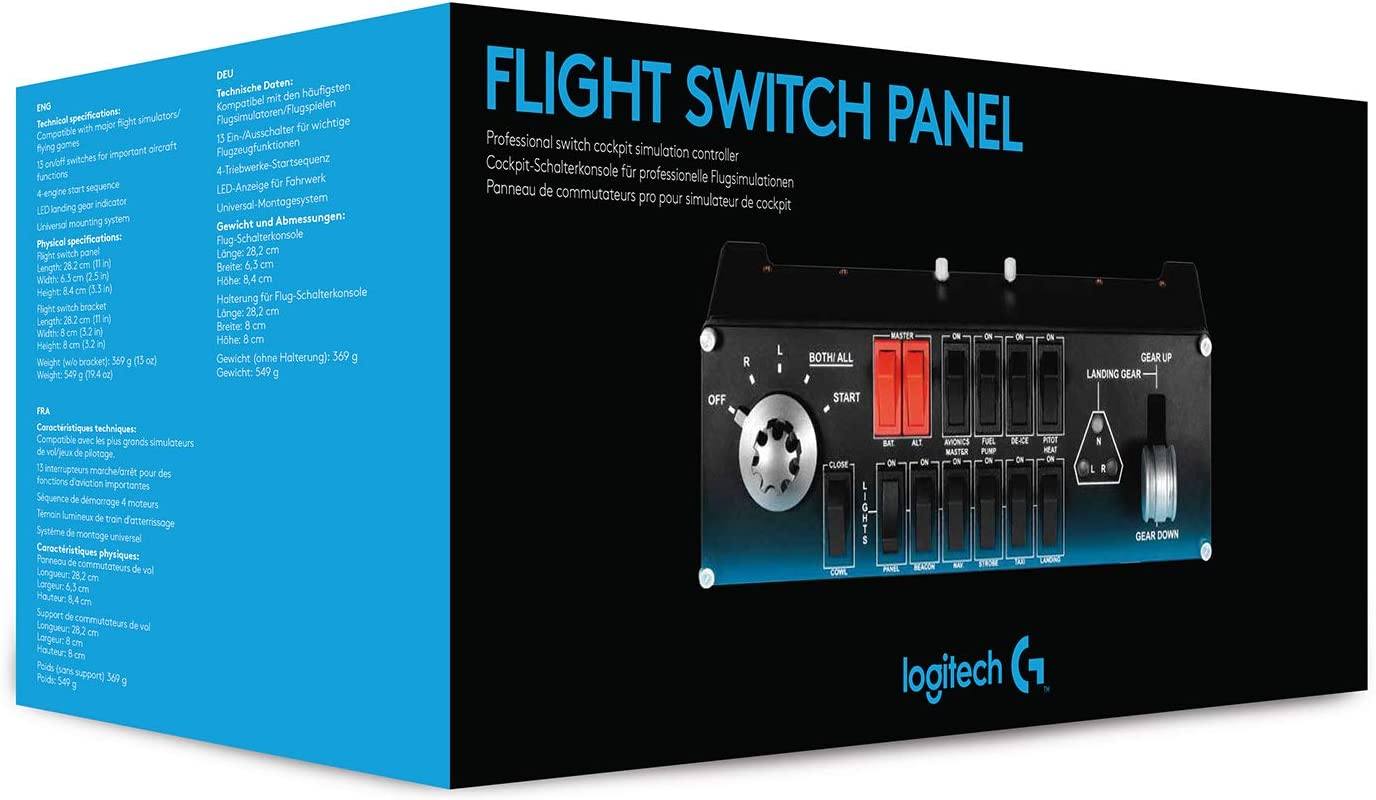
Multiple in-Cockpit Controls Logitech G’s Professional Flight Switch Panel is ideal for expanding the number of controls in your flight simulator setup. Attach it to your Logitech G Flight Yoke, place it atop your desk, or even mount it to your own custom cockpit setup. Control your landing gear and lights, engine power, and other important aircraft functions, all from one compact unit. Multiple in-cockpit controls |
|
|
Five-Position Magneto Dial Turn the dial to 'R', ‘L’ or ‘Both/All’ to activate the magneto in individual or all engines. 'Start' engages the starter. Once engaged, engines fire at exactly the right time in the ignition process |
|
Realistic Landing Gear Bring landing gear up or down with a satisfying click of a real control lever. LED indicator lights let you see the status of landing gear in FSX and Prepar3D with a mere glance at the Switch Panel. |
|