Wacom One Creative Pen Display with free software (for sketching, drawing on screen, 13.3 inch full HD display (1920 x 1080), pen precision) - ideal for home office & e-learning
Wacom One Creative Pen Display with free software (for sketching, drawing on screen, 13.3 inch full HD display (1920 x 1080), pen precision) - ideal for home office & e-learning
|
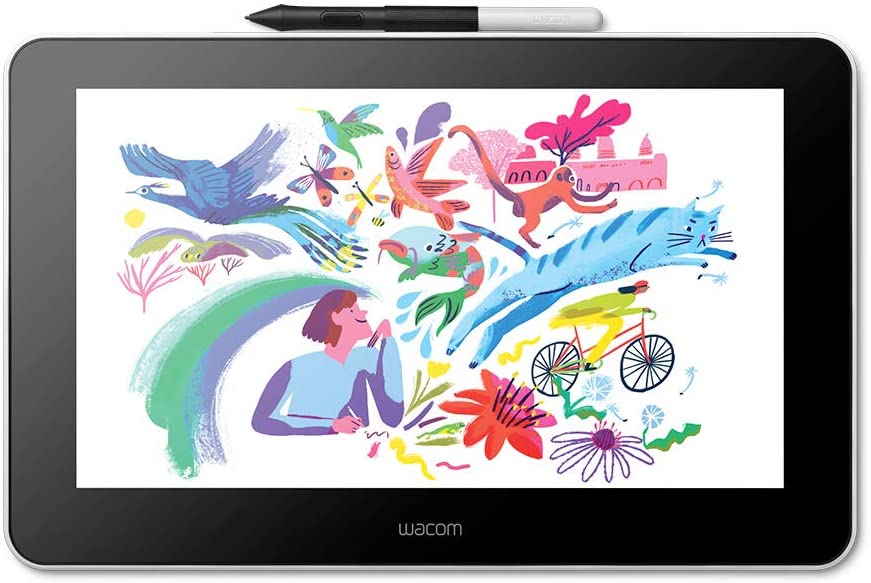
Unlimited possibilities Wacom is all about connectivity and self-expression using tools that simply enhance your ideas and make the world a more creative place. For thirty-five years we have provided creatives with the tools to work in the best way they know how. Wacom digital pen is first choice for creatives globally. Wacom One pen display is paired with software for users of all levels – you’ll find Adobe Premiere Rush, Bamboo Paper and Clip Studio Paint Pro in the box. Power with an android smartphone for a completely new and mobile method of working or use the creative pen display as a traditional accompaniment to your Mac or Windows platform. Foldable legs make Wacom One comfortable to use anytime, anywhere. |
 |
 |
Bringing devices together Wacom One has an unrivalled set of connectivity options which make it the most flexible digital canvas upon which to draw, illustrate or edit. This new package will give you creative know-how from day one. |
|
Real-time education with all the tools of the classroom Teachers, students and virtual teams all benefit from Wacom One and the new educational software bundle. Teach and learn remotely with Collaboard, Explain Everything, Kami, Limnu and Pear Deck. Wacom makes virtual learning and interaction more human, engaging and effective. Collaboard is a virtual whiteboard app that can be used - like in real life - to sketch, write and draw – combining everyone’s ideas. Explain Everything simplifies the process of guiding learners with attention-grabbing live broadcasts and recorded lessons. Kami allows teachers to post pages onto screen, where they can be edited and annotated as you speak. Teachers, tutors and students love Limnu for the simplicity of the whiteboard function coupled with the ability to see one another in real-time video. Working as a classroom is easy with Peardeck, an interactive presentation and lesson delivery platform where students can individually respond to activities. |
 |



Description
|
Unlimited possibilities Wacom is all about connectivity and self-expression using tools that simply enhance your ideas and make the world a more creative place. For thirty-five years we have provided creatives with the tools to work in the best way they know how. Wacom digital pen is first choice for creatives globally. Wacom One pen display is paired with software for users of all levels – you’ll find Adobe Premiere Rush, Bamboo Paper and Clip Studio Paint Pro in the box. Power with an android smartphone for a completely new and mobile method of working or use the creative pen display as a traditional accompaniment to your Mac or Windows platform. Foldable legs make Wacom One comfortable to use anytime, anywhere. |
|
|
Bringing devices together Wacom One has an unrivalled set of connectivity options which make it the most flexible digital canvas upon which to draw, illustrate or edit. This new package will give you creative know-how from day one. |
|
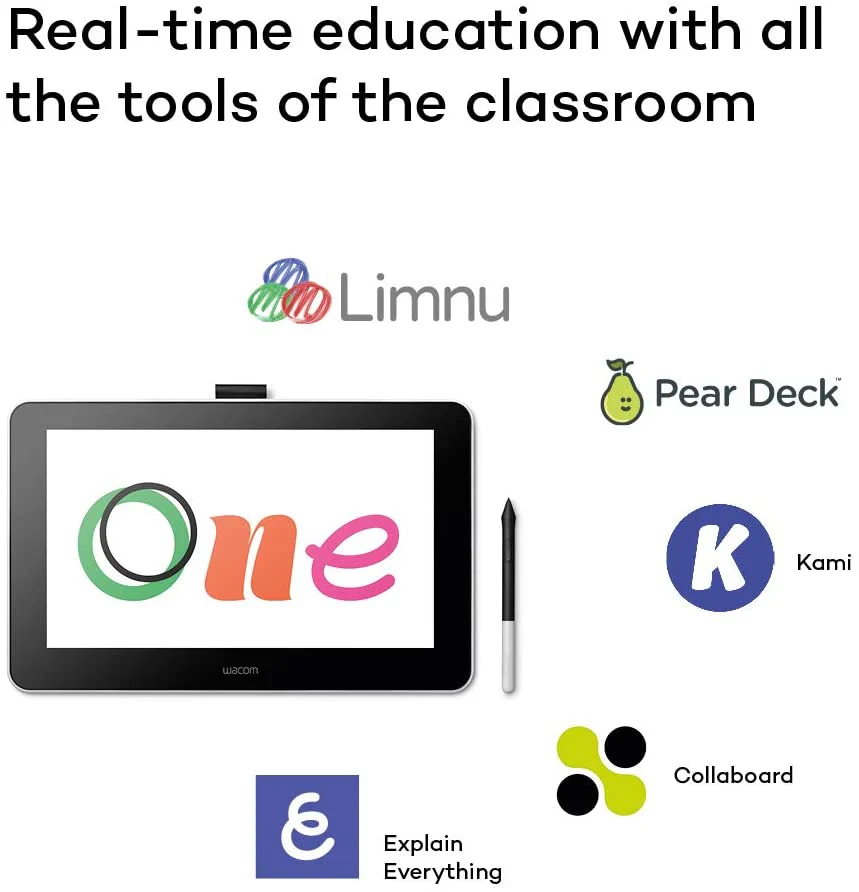
Real-time education with all the tools of the classroom Teachers, students and virtual teams all benefit from Wacom One and the new educational software bundle. Teach and learn remotely with Collaboard, Explain Everything, Kami, Limnu and Pear Deck. Wacom makes virtual learning and interaction more human, engaging and effective. Collaboard is a virtual whiteboard app that can be used - like in real life - to sketch, write and draw – combining everyone’s ideas. Explain Everything simplifies the process of guiding learners with attention-grabbing live broadcasts and recorded lessons. Kami allows teachers to post pages onto screen, where they can be edited and annotated as you speak. Teachers, tutors and students love Limnu for the simplicity of the whiteboard function coupled with the ability to see one another in real-time video. Working as a classroom is easy with Peardeck, an interactive presentation and lesson delivery platform where students can individually respond to activities. |
|